Tutorial 2 of 8
~2 minAdd your first device
Register a device and get the token it uses to talk to the platform.
- 1
Pick or create a project
Every device lives in a project — a self-contained workspace with its own dashboard, alerts, map and automations. Use the project switcher at the top of the sidebar to pick one, or create a new project first.
- 2
Open the Add Device wizard
Click Add Device in the sidebar and give your device a friendly name (e.g. “Living Room Sensor”). The 6-step wizard walks you through the rest.
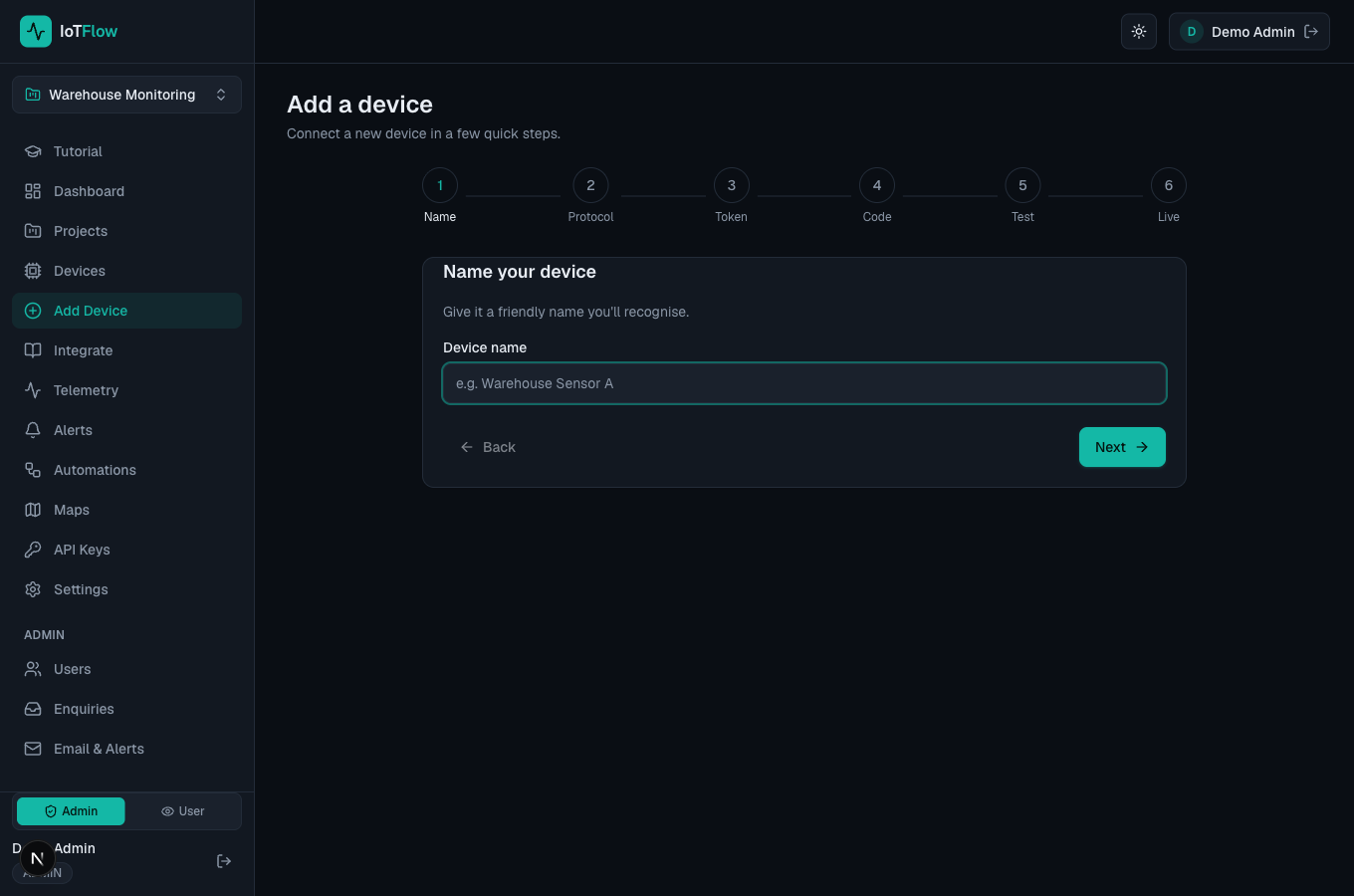
The guided Add Device wizard. - 3
Choose a protocol
Pick HTTP (simplest — POST JSON to a REST endpoint) or MQTT (lightweight pub/sub, ideal for many devices and real-time control). You can change this later; both are always available.
- 4
Copy the device token
When the device is created you get a device token (starts with dev_). Copy it now — it is shown only once. Your device sends this token to authenticate every message.
Authorization: Bearer dev_XXXXXXXXXXXX