Tutorial 1 of 8
~2 minCreate your free account
Sign up with just your name and email, sign in with an emailed code, a password or Google, and everything is unlocked — devices, dashboards, API keys, alerts and automations.
- 1
Sign up — it’s free
Open Create an account (Sign up on the home page) and enter your name and email. That’s all — no password to invent and no credit card. Prefer Google? Click Continue with Google instead and you’re in straight away.
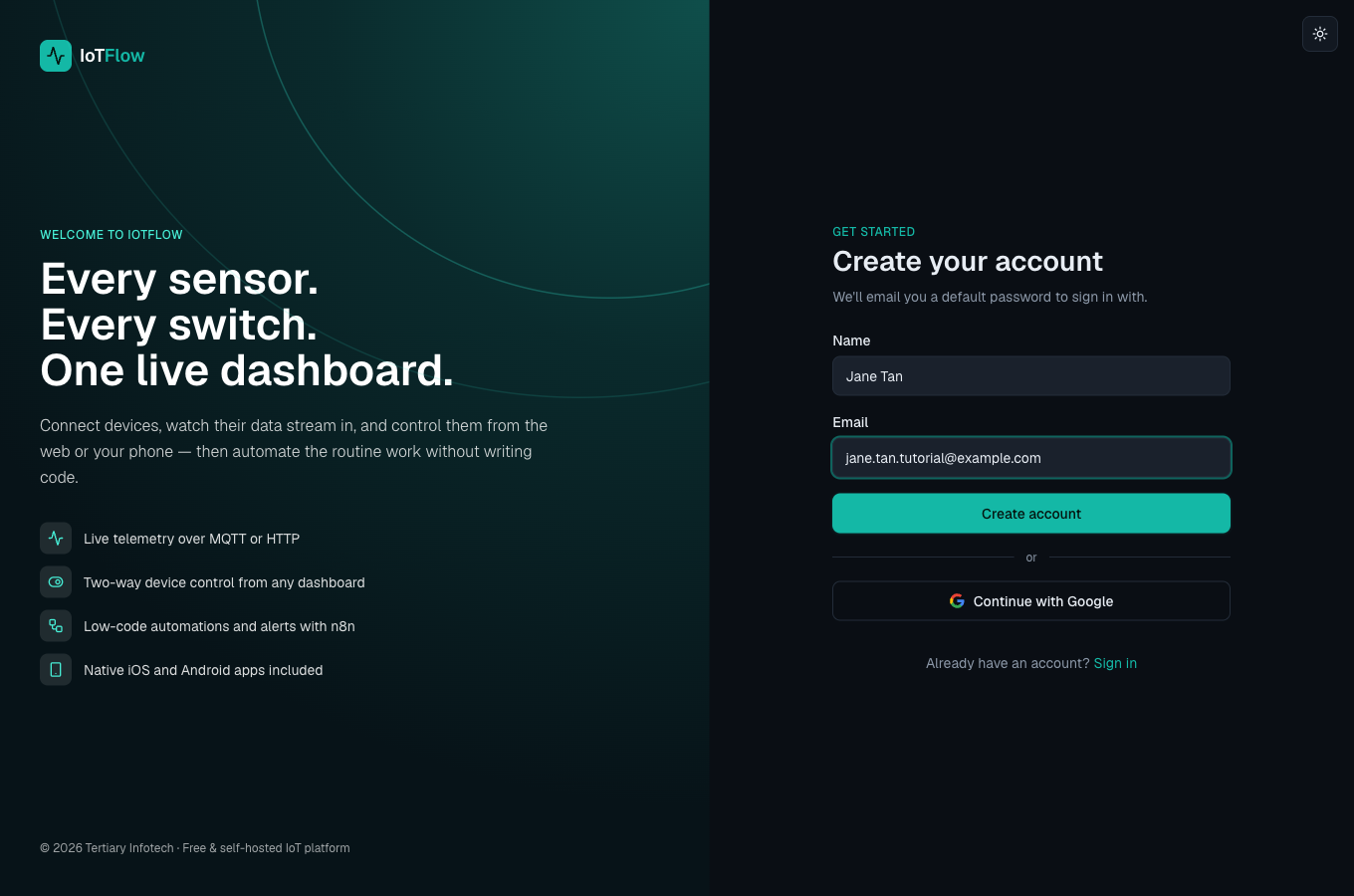
Sign-up needs only a name and an email. - 2
Check your inbox
We email you a welcome message, “Welcome to IoTFlow — your sign-in details”, with a default password. It usually arrives within a minute — check your spam folder if it doesn’t.
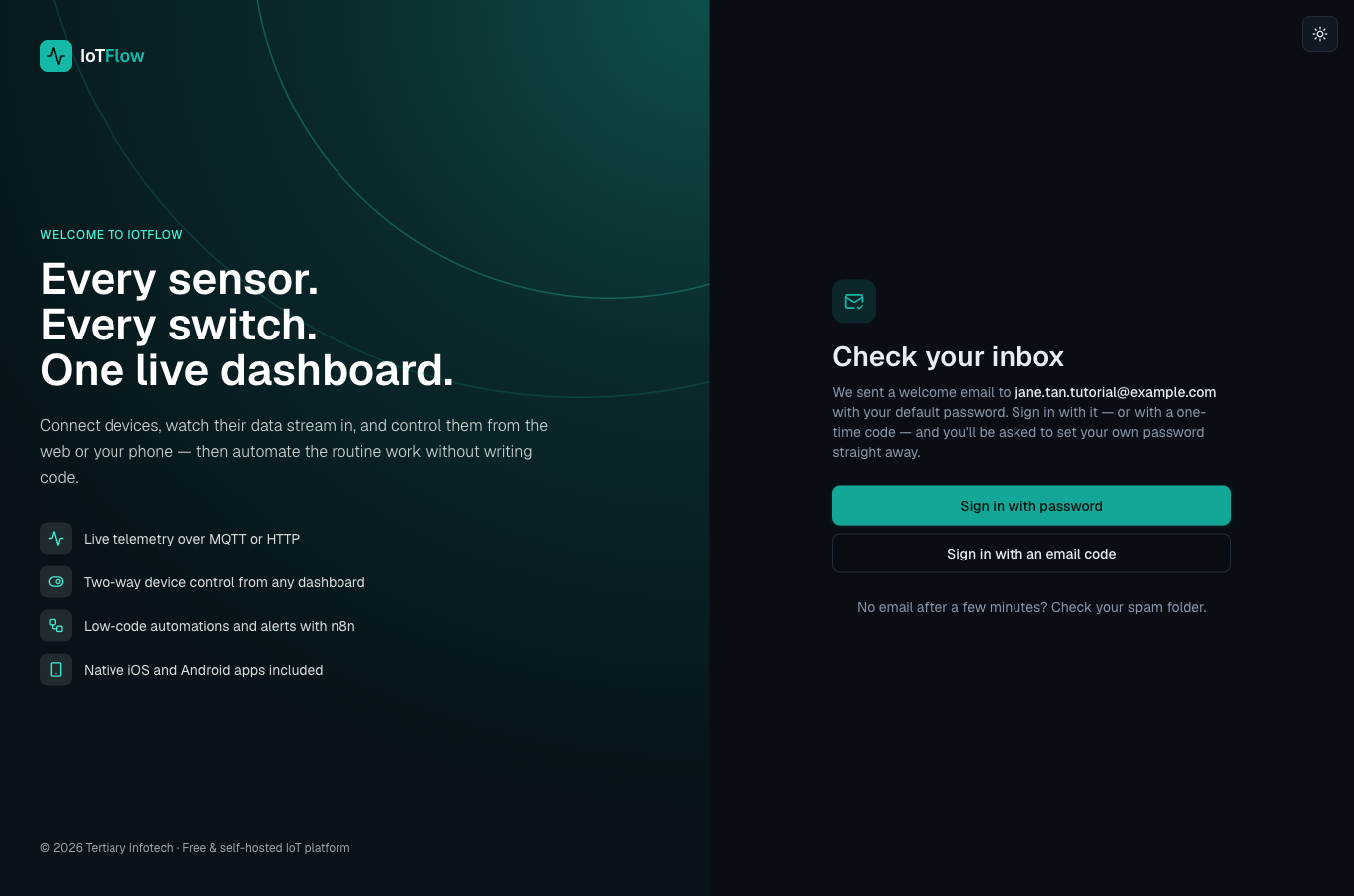
Sign in with the emailed password, or with a one-time code. - 3
Sign in — three ways
On the sign-in page choose what suits you: Email code (the default) emails you a 6-digit code — no password needed; Password uses the default password from your welcome email; or Continue with Google.
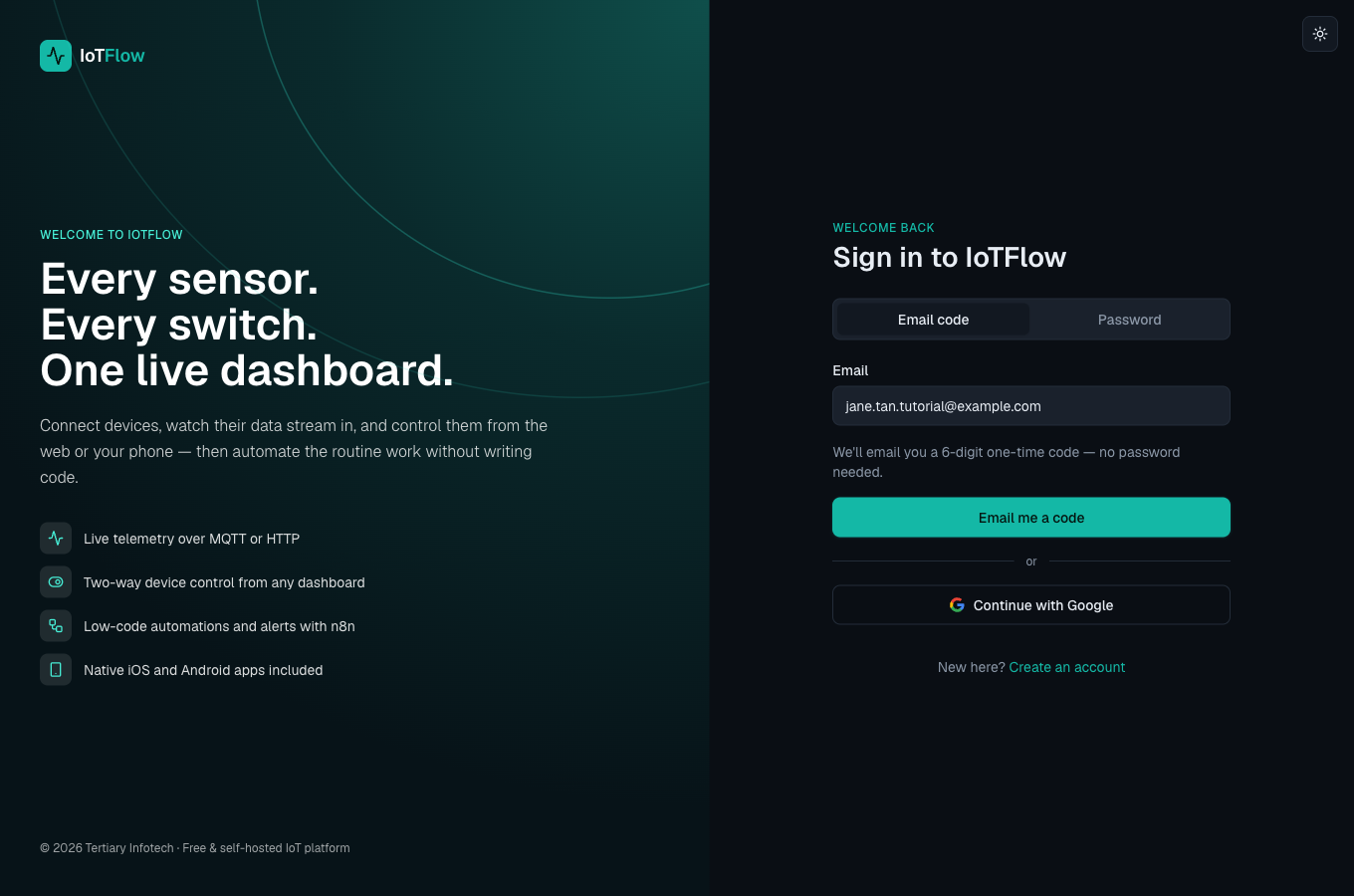
Email code, password or Google. - 4
Set your own password
Right after your first sign-in you’re asked to choose your own password (at least 8 characters) — the emailed one stops working. You’ll use it in the IoTFlow mobile app too.
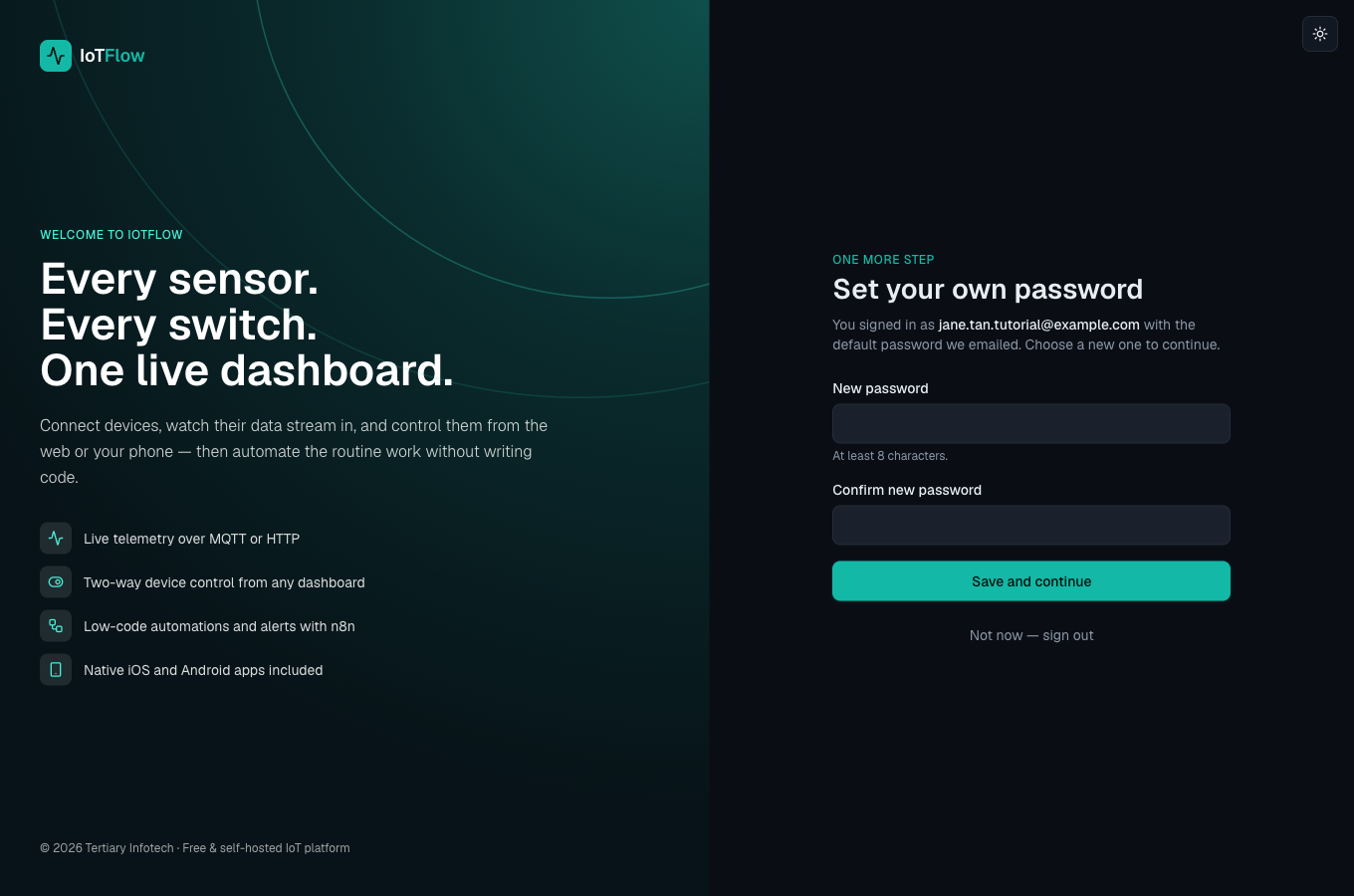
One-time step: replace the default password. - 5
You’re in — everything is unlocked
Your first project, “My Project”, is ready on the dashboard. Every account can add devices, build dashboards, control devices, and create API keys, alert rules and n8n automations — nothing to request from an administrator. The Free plan covers 5 devices and 10,000 messages a day; see Plan & billing (or the Pricing page) if you need more. Next: add your first device.