Tutorial 6 of 8
~8 minAutomate with n8n
Run no-code logic when a device event happens — notify, control devices back, log data or call AI.
- 1
Create a webhook in n8n
In your n8n instance, add a Webhook node to a workflow, activate it, and copy its Production URL. This is where IoTFlow will send matching events.
- 2
Create an automation
In IoTFlow → Automations → New automation. Give it a name and choose the event that should fire it (Telemetry received, Alert, Device online/offline, or Command).
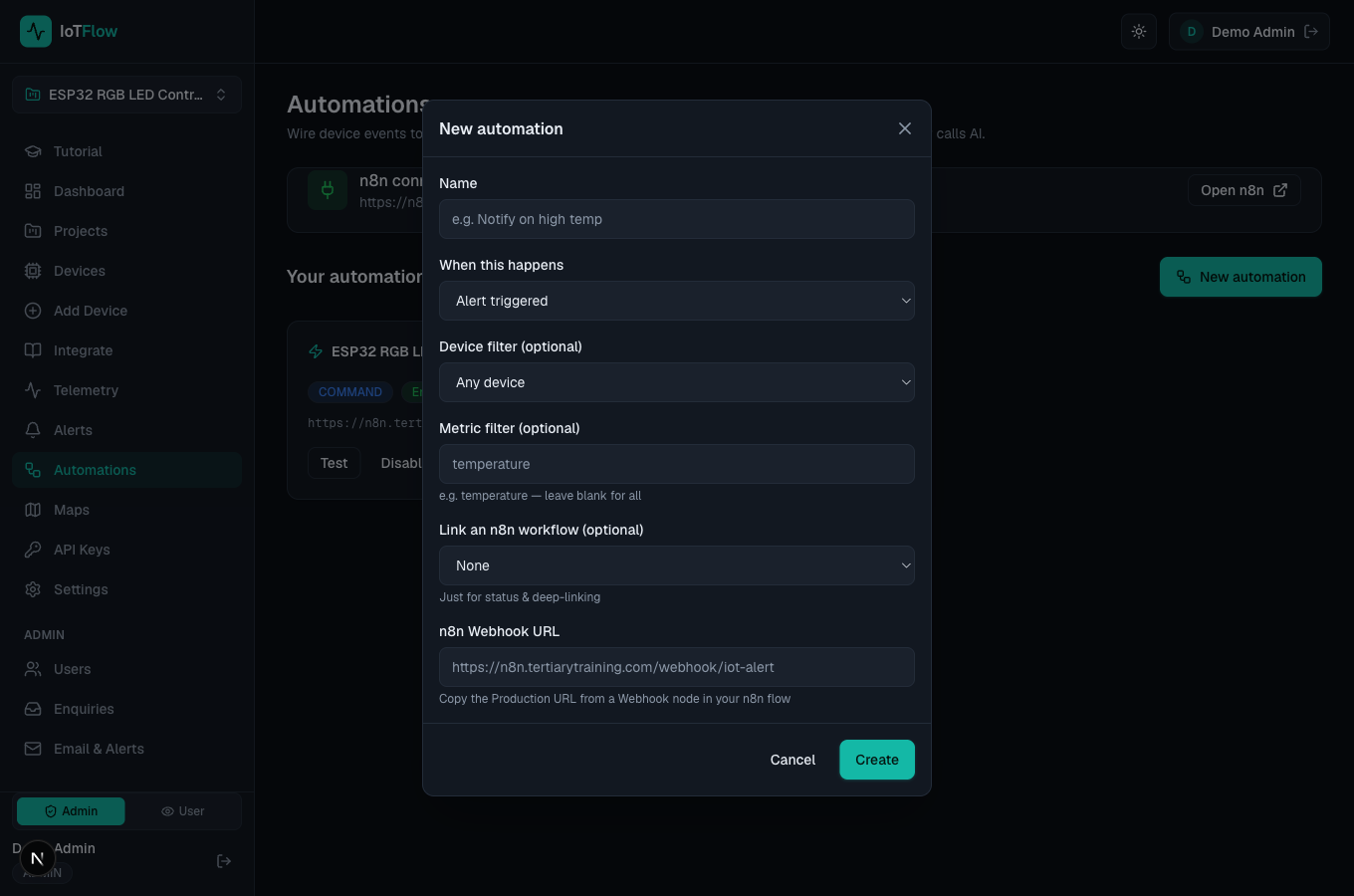
Linking a device event to an n8n webhook. - 3
Filter and paste the webhook URL
Optionally filter by device and metric (e.g. only temperature), then paste the n8n webhook Production URL and save. IoTFlow will POST a normalized event envelope to it.
- 4
Test it, then go live
Click Test on the automation card to send a sample event — you’ll see the delivery status and n8n will run the flow. After that, real device events trigger it automatically. n8n flows can call back to control devices, notify Slack/Email/WhatsApp, log to Sheets, or run AI.
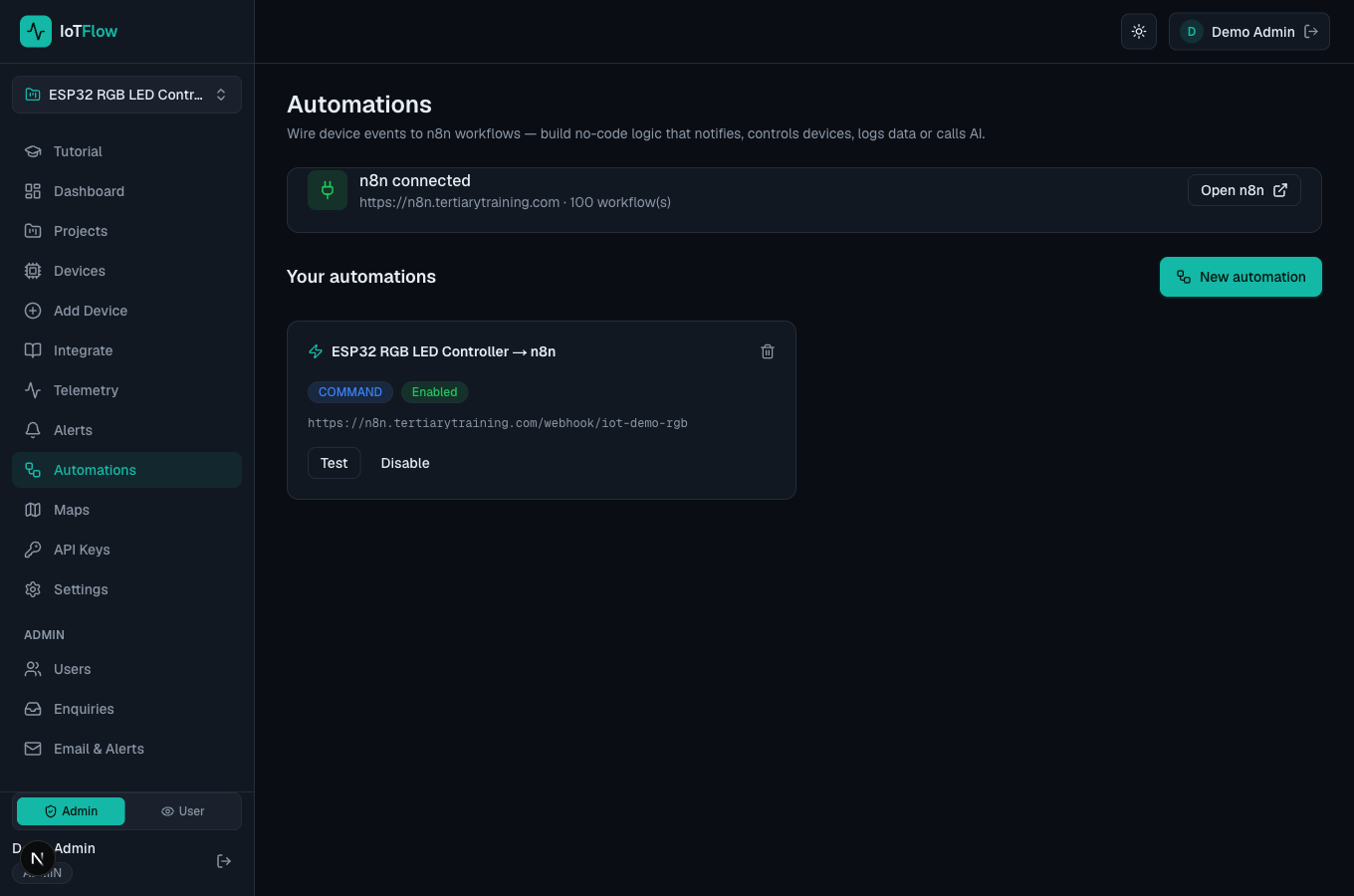
The Automations page with live n8n connection and delivery status. - 5
Let the flow control devices back
To have n8n switch a relay or reply to a device, create an API key first (API Keys → Create API key — see Tutorial 8). IoTFlow puts your latest key in every event it sends as apiKey, so the flow can call POST /api/devices/<id>/command with it — no key to paste into n8n by hand.